
0:08:10
How to Encourage Better Image Uploads with Help Text
Published March 12, 2026
This video features Meagen .
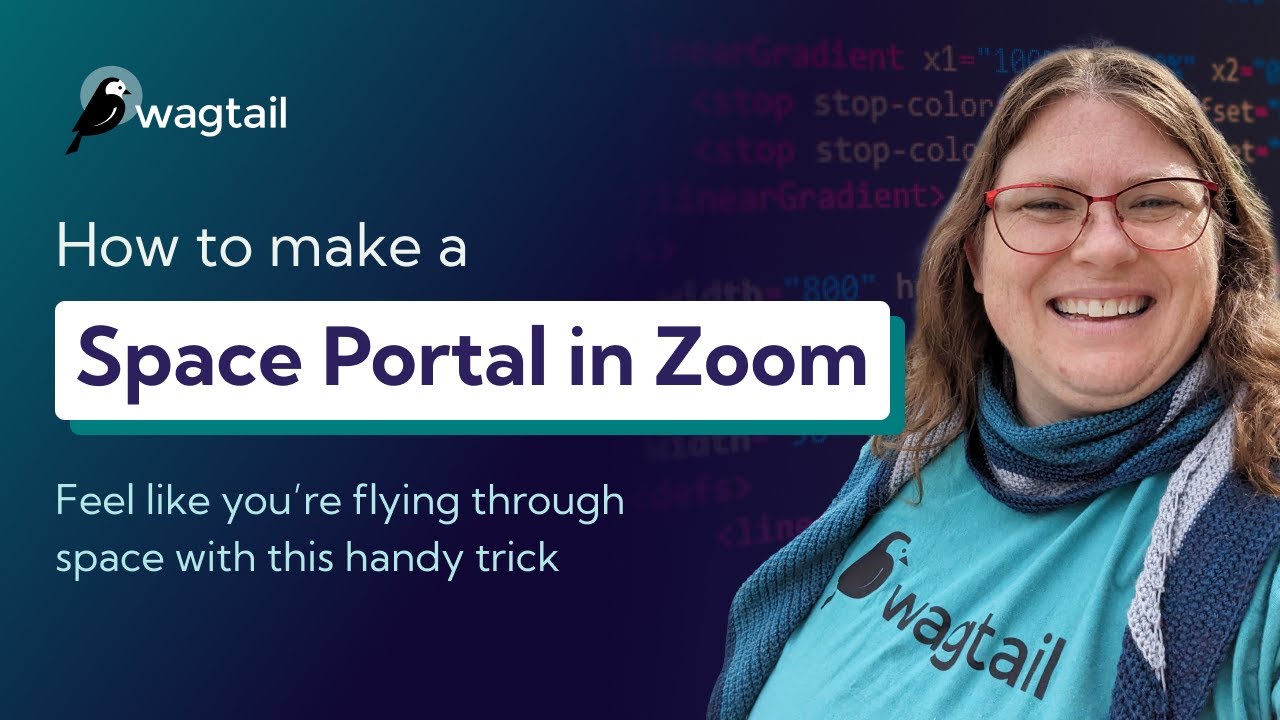
To get you ready for Wagtail Space 2025, Meagen is going to show you how you can use a green screen effect in Zoom to create your very own space portal. You can use this effect to liven up your Zoom meetings and make everyone feel a little bit more connected even when they aren't in the same room together.
Join us for Wagtail Space 2025 on October 8-10 and show off your space portal! Get your FREE ticket here: https://events.zoom.us/ev/AtWesoZI_eMUAZtG3IN1jHe29h3D8ymQo_CtHXHif8OXHxce920A~AsL2bHAt6W7klbIdhhOy2VA8EZ3FqB3Wx-S0lP4t6ESbLpI2Zn1TZQT3PPfpn52RpFBOVE-5d9ogXTM8BlRWJBcxJw
Want more info about Wagtail Space first? Check out our event page: https://wagtail.org/wagtail-space-2025/
💻 Wagtail is the easiest open-source Python CMS to use:
Install the demo and start building your first site in 10 minutes: https://wagtail.org/get-started/
What will I learn from this video?
You'll learn to make a space portal effect in Zoom that you can use at Wagtail Space 2025 and to liven up your Zoom meetings whenever you want to.
📹 Related Videos To Watch Next:
▶ Quick Video Tour of Wagtail CMS 7.0 https://youtu.be/r5RbV7TveFU
▶ The Latest on Wagtail AI https://www.youtube.com/watch?v=4zfs1u4Vy5Y
▶ What’s New in Wagtail CMS 7.0 https://youtu.be/v92-6Dy4axI
Wagtail future proofs your CMS system, as it’s open source, continuously updated and built on Python, one of the most popular global programming languages, used widely in machine learning and big data. So you’re always ahead of the curve when it comes to CMS platforms.
Wagtail is the #1 choice for accessibility, is scalable and most importantly, secure.
👉 Get started with Wagtail CMS for free: https://wagtail.org/get-started/
and see how easy it is to build a website that works for you.
📊 Read why Google, NASA, and the British NHS, are powering their digital estates with Wagtail: https://wagtail.org/about-wagtail/
🎥 More Wagtail Videos: https://www.youtube.com/watch?v=cne2kxemMAQ&list=PLfwZ-fob20cPvSQ_v1hkjto8BAPN21tLJ
📣 Follow us on social:
#WagtailCMS #Django
Automatically transcribed, so expect mistakes in names and technical terms.
Hey everyone, I know it's been a while since I've recorded a video for this channel, and uh I'm honestly feeling a little bit guilty about the fact that I'm gonna be showing you a zoom trick today and not a Wagtail trick I'm gonna show you how to do this uh space effect that I have over my head uh right now. And uh the reason why I'm doing that is honestly I've had a lot going on over these past few months. uh and haven't had as much time to record as I would have liked to. Uh first of all, welcome to my new office. I moved. You're gonna see this background in videos from now on. And I also had to take some time to focus on a personal thing. And you know, apparently that wasn't challenging enough.
So my air conditioning also died for a whole week. in humid hot North Carolina, uh and then I caught COVID. And you get the picture. Like, you know, I I've been really busy with a bunch of other things. Uh, but I don't want to talk about the challenging stuff. stuff right now. I actually want to talk about one other thing that I've been working really hard on that I'm also really proud of, and that's Wagtail Space 2020. And this is a three-day event that we're putting together for you. It has two days of talks and one day of community activities. It's going to be on October 8th through the 10th And so we designed this conference uh to have half days instead of full days because it's completely online, completely free, and honestly, like nobody's gonna stay
at a Zoom all day uh for eight hours straight. That's just no fun for everybody. So we're doing half days, uh, but they're gonna be very high quality And we have 22 speakers lined up to give talks. And as I was reading these proposals, y'all, I just thought about how honestly lucky we are to have such a talented group of people working with Wagtail uh because we have something for everybody We have like some folks who are coming from nonprofits and governments and private businesses to show us how they're using Wagtail to accomplish their goals. We have a bunch of really smart developers who are going to be doing a bit more of the technical deep dives.
and showing you how they've done some really cool things in Wagtail with the code. And then because, you know, this is a conference about a content management system, you know, we have to talk about AI. So we definitely have some talks on AI and some very smart people who are going to tell you all about the direction we're heading in as Wagtail with AI. And you definitely don't want to miss any of this, folks. Like it is legitimately a great lineup, and I am so so happy. uh to see this go live in two weeks, in just two weeks. Anyway, um we're hosting this event in Zoom events Which is why I'm going to show you how to do this effect now. Because you know, when we do the community
activities and something like that, you can actually do this effect along with me and everybody else And it can feel kind of like we're flying through space together. And I just find that really great. So let me go ahead and show you how you do this. So I'm gonna go down to my video settings here, and the first thing I'm gonna do is actually switch it off so that you can see what I have behind me. Which is a homemade green screen. Y'all, this is not something that's fancy. I didn't buy this off of Amazon. This is a 25 cent piece of poster board stapled to a frame. Uh, you know, and you can achieve the same thing uh honestly just by printing something out that has green on it and taping it to a wall.
Uh you can also find a green object inside your house Oh, and by the way, it also doesn't have to be green. I can show you how to set this effect with different colors too. So let me go ahead and uh dive into showing you how to do it do that. So let's go back to our video settings here. And I'm going to scroll all the way down. Now when you usually do a uh virtual background in zoom, you know, you select it, it does the entire screen uh instead of a targeted area. And that's because I switched off the setting right here that says I have a green screen screen and you want to find that setting and toggle it on. And when you do that, it focuses
in on whatever the green is that you've chosen. And if it doesn't get the color right, or you decide you want to use a different color than the green, the best thing about Zoom is you can actually manually pick the color and redirect the effect. So you notice in the preview area right here we have a little area that says manually pick the color of the background if the detected color is not accurate. And you do that by clicking this here and you get a little cross-shaped picker and you can use that to select your green and then the effect uh shows up wherever the green color shows up in your background and it's awesome.
You can also choose a different color if you want. One thing to watch out for though, if you pick a color very similar to a skin tone uh which I'm just gonna go ahead and pick my face here to show you what happens. You wind up with spaceface. Yeah. Yeah, um, so you have to be very careful about the color that you pick. I mean, honestly, unless you enjoy being space face, I mean, that might be your thing. But that's why you want to pick a high contrast color and avoid something that's similar to a skin tone. But it definitely doesn't have to be green. You can definitely use a different color if you want. too. So let's go back to the video settings and uh fix this here.
We're gonna go back to our green. And once you have that set, your portal is uh working you can you can put whatever you want in it Like you can have a different type of stars, uh, you can do kind of a more glittery effect and things like that. Um Um, you know, another thing that you can do is you can uh you know put green material on other things, like you can have a book that opens out into a whole new universe. And then you can also um one of my other favorite things to do is to create Zoom party hats. Uh so you know I have a little crown here that I can put on and it has space on it uh because it's made out of green paper.
So yeah, there there's honestly so many things you can do with this and this effect brings me uh a lot of joy. Uh I learned this from the Science Fiction Writers Association uh when they hosted a great conference during the pandemic. And so I wanted to share it all with y'all. I hope that you come to Wagtail Space and show me your own portal. Uh even if you can't make it, I hope that this effect brings you joy uh and is something that you can share with others whenever you hang out together in virtual spaces. It it honestly is something that has made me smile a whole lot over the years. And I really, really enjoy it. Anyway, please come to Wagtail Space. I'm gonna put a link down in the video description.
Check out the schedule, check out all our amazing speakers. Whether you can make it for one day or all three or even just one talk, I would love, love, love to see you there.
Note: We understand that names change, people change, and bodies change. We respect each individual's journey and privacy. If you have any concerns about a video or need us to remove content, please don't hesitate to contact us. We will handle your request with care and promptly address any issues.

